Free Instagram Engagement Rate Calculator: How to Check Any Account’s Engagement Rate in 2026
Use a free Instagram engagement rate calculator to check any business or creator account: paste the profile link, compare it with 2026 benchmarks in seconds.
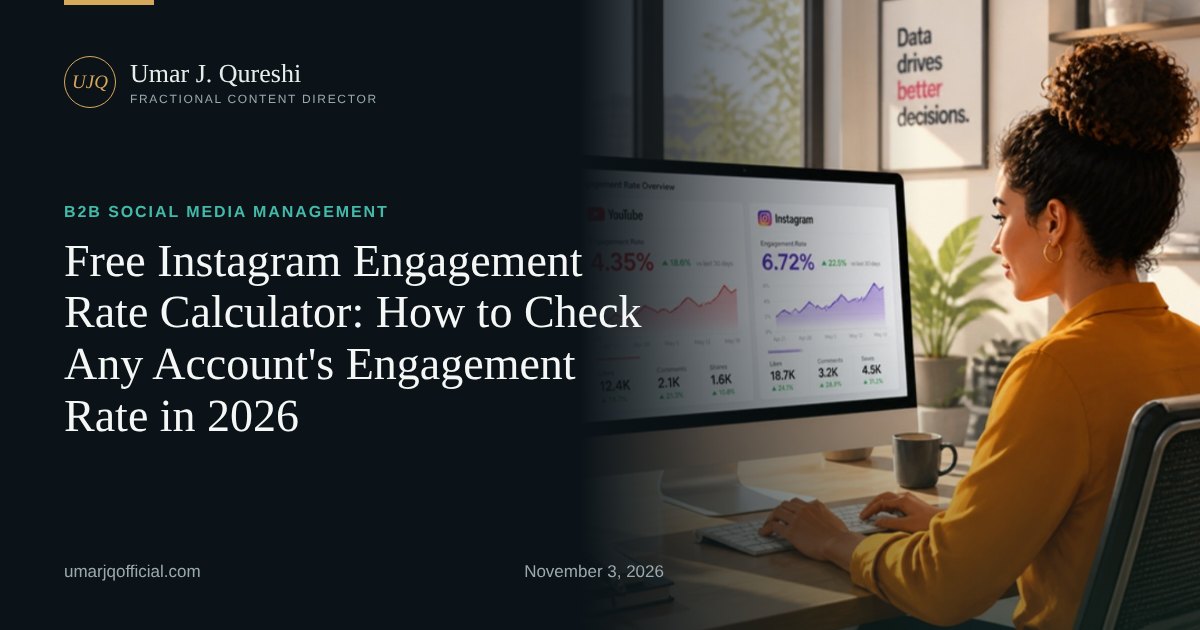
- Instagram engagement rate = (likes + comments) ÷ followers × 100, averaged over recent posts
- Brand accounts averaged 0.45% per post in Q3 2026, so 0.9% or more is strong
- Instagram does not show an engagement rate in Insights; a free calculator does the maths for any public business or creator profile
- Compare creators with others of the same follower tier, not with one average
You can check any Instagram account’s engagement rate for free in under a minute: paste the public profile link into my free engagement rate calculator, and it averages likes plus comments on recent posts, divides by followers and compares the result with 2026 benchmarks.
I built the calculator because the same question kept landing in my inbox from brands, agencies and executives: “Is this account actually performing, or does it just look big?” Follower count tells you how many people could see a post. Engagement rate tells you how many actually reacted. That second number is what a campaign, a partnership or a content budget is really paying for.
In this guide I’ll show you exactly how the free calculator works, the formula behind it so you can check the maths yourself, which numbers count as good in 2026, and the mistakes I see most often when people read the result. If you’d rather have someone run your channels and fix the number for you, that is what my B2B social media management service does.
What is an Instagram engagement rate calculator?
An Instagram engagement rate calculator is a tool that turns a profile’s public likes, comments and follower count into one percentage, so you can compare accounts of different sizes fairly. A good free one reads recent posts automatically, averages them, and shows the result next to a benchmark, so you don’t need spreadsheets or a paid analytics plan.
Instagram itself doesn’t give you that number. Insights shows views, reach, likes, comments, shares and saves, but no single engagement-rate percentage, and since Instagram made “views” its main metric across Reels, posts and Stories in August 2024 (Social Media Today, August 2024), many people have lost track of how to judge a post at all. A calculator closes that gap.
How do you use the free Instagram engagement rate calculator?
Open the calculator, choose the creator’s country (or leave it on Global), paste a link to any public Instagram business or creator profile, and press “Calculate engagement rate”. In a few seconds you see the engagement rate, the detected niche, the 2026 benchmark, a verdict and the account’s top three posts.
Step by step:
- Go to the engagement rate calculator. It works in any browser and needs no sign-up.
- Pick the country you care about. If you’re vetting creators for a US or UK campaign, choose that market and the tool flags accounts that aren’t based there.
- Paste the profile link, for example instagram.com/brandname. Personal (private) accounts can’t be read; business and creator profiles can.
- Add up to four more accounts with “Compare another account” to see your shortlist side by side.
- Press Calculate. Read the engagement rate, the benchmark, the verdict and the top three posts with their dates.
- Download the results (.xlsx) if you want to share them with a client or your team.
The same page also checks YouTube channels. I’ll cover that in a separate guide on the YouTube engagement rate formula.
How is Instagram engagement rate calculated?
The standard formula is engagement rate = (likes + comments) ÷ followers × 100, averaged across recent posts. Some tools add shares and saves, or divide by reach or views instead of followers. None of these is wrong, but you can only compare two numbers if they were calculated the same way.
Here is a worked example you can check by hand:
| Step | Numbers |
|---|---|
| Followers | 25,000 |
| Likes + comments on the last 10 posts | 6,000 |
| Average per post | 6,000 ÷ 10 = 600 |
| Engagement rate | 600 ÷ 25,000 × 100 = 2.4% |
The three formulas you’ll meet most often:
- By followers: (likes + comments) ÷ followers × 100. Best for comparing accounts, because anyone can see these numbers on a public profile. This is what the calculator uses for Instagram.
- By reach: total engagements ÷ reach × 100. Best for judging your own content, because only the account owner can see reach.
- By views (Reels): total engagements ÷ views × 100. Useful for video, since a Reel can travel far beyond the follower base.
IQFluence’s 2026 guide sets out all of these side by side (IQFluence, June 2026). My advice: pick one, write it down, and use it every month.
What is a good Instagram engagement rate in 2026?
For brand accounts, the average was 0.45% of followers per post in Q3 2026, according to Socialinsider’s tracking of business accounts with roughly 1,000 to 1 million followers (Socialinsider, 2026 benchmarks, updated October 2026). As a rule of thumb, double the benchmark is strong and less than half needs work.
Format matters too. In the same Q3 2026 data, carousels averaged 0.50%, Reels 0.48% and single images 0.35%. If your account is mostly single photos, a lower rate is partly a format problem, not a content problem.
| Your rate (brand account) | What it means |
|---|---|
| Under 0.22% | Below half the benchmark: review hooks, formats and follower quality |
| 0.22% to 0.45% | Around or just below average |
| 0.45% to 0.90% | Above average |
| Over 0.90% | Strong: at least double the 2026 benchmark |
Creators are different from brands. Smaller accounts engage more because their audience is closer to them, so a nano creator with 5,000 followers should be judged against other nano creators, not against a global brand average. I break down the 2026 creator benchmarks by follower tier in a separate post.
Why use a calculator instead of working it out by hand?
Working it out by hand is fine for one account. A calculator is faster, avoids arithmetic slips, and lets you compare several accounts on the same formula in one view. For agencies shortlisting influencers, that consistency matters more than the time saved.
When I vet creators for a campaign, I’m usually comparing five to ten profiles. Doing that manually means opening each profile, counting likes and comments on ten posts, and building a spreadsheet. With the calculator, I paste five links, read the table, and spend my time on the part that needs judgement: are the top posts recent, on-topic, and not all paid partnerships?
What mistakes do people make when reading engagement rate?
The biggest mistakes are comparing numbers calculated with different formulas, judging a small creator against a big-brand average, reading one viral post as the norm, and treating a low rate as proof of fake followers. Engagement rate is a warning light, not a verdict.
A checklist I use before I trust any result:
- Same formula? Check whether the other number you’re comparing with used followers, reach or views.
- Same tier? Compare a 50,000-follower account with other 10K–100K accounts.
- Recent posts? An account that went quiet for three months will look worse than it is.
- One outlier? A single viral Reel can lift the average. Look at the top three posts the calculator shows.
- Likes vs comments in line? Thousands of likes with almost no comments is worth a closer look.
- Paid partnerships? If every top post is sponsored, organic engagement may be weaker.
If your own account fails several of these, my free social media audit template walks you through finding your best and worst posts and what they have in common. My year-end social media audit checklist is a good companion if you’re planning for 2027.
How can you raise your Instagram engagement rate?
Start with the first line and the first second, because that is where people decide to stop. Then post more of the formats people save and share, ask one clear question per post, reply to comments in the first hour, and post consistently enough that your audience builds a habit.
In 20+ years of running content for brands and executives, the accounts that improve fastest do three things: they study their own top posts before inventing new ideas, they cut formats that don’t earn saves or shares, and they measure the same way every month. Run the calculator on your own profile today, write the number down, and check it again in 30 days.
Want a second pair of eyes on your numbers? Book a free discovery call and I’ll show you what’s holding your engagement back, or see how my social media management service runs the whole channel for you. You’ll find more free tools in the marketing toolkit.
Sources: Socialinsider, 2026 Social Media Benchmarks (Q3 2026 update, October 2026); Socialinsider, Instagram benchmarks by post type (October 2026); IQFluence, Engagement Rate on Instagram: The 2026 Guide (June 2026); Social Media Today, Instagram updates metrics to focus on views (August 2024).
Frequently asked questions
Is there a free Instagram engagement rate calculator?
Yes. My free engagement rate calculator at umarjqofficial.com reads the recent posts of any public Instagram business or creator profile, works out the engagement rate, and compares it with 2026 benchmarks. You can compare up to five accounts at once and download the results.
How do I check my Instagram engagement rate for free?
Add the likes and comments on your last 10 posts, divide by 10, divide by your follower count and multiply by 100. Or paste your profile link into a free calculator, which does the same sum automatically and shows how you compare with accounts your size.
Where do I find my engagement rate on Instagram?
Instagram Insights shows views, reach, likes, comments, shares and saves, but no single engagement-rate percentage. You calculate it yourself from those numbers, or use a calculator that reads public posts.
Why is my Instagram engagement rate so low?
The usual causes are weak first lines and first seconds, posting formats people don't save or share, inactive followers from old growth tactics, and posting too rarely to build habit. Compare your rate with accounts of the same size before deciding it is low.