Website audit tool: how many leads is your website losing?
Check your website's SEO and speed in one go: enter your address and get an instant audit, a score out of 70 across the 7 areas that decide whether visitors become clients, with every SEO error and the exact fixes in priority order.
- Speed & mobile
- Technical SEO
- On-page SEO
- Content
- Trust & proof
- Conversion
- AI search
Top 3 keywords this page is built to rank for
Worked out from where words and phrases appear on the page: the title counts 5 times, the main heading 4, the meta description 3, sub-headings 2 and body text once. Your brand name is left out. This shows what the page targets. Your actual Google positions and clicks are in Google Search Console.
Fix these first
Every check
How this audit works and the standards it follows
What happens when you press "Audit my website"
- Backend: the WordPress server behind umarjqofficial.com downloads your page once, the way a search-engine crawler does, plus
/robots.txt,/sitemap.xmland/llms.txt. It reads the page code with PHP's standard HTML parser (DOMDocument). It doesn't run JavaScript, so a site that builds its content in the browser can score lower than it should. - Speed: Google's PageSpeed Insights API (Lighthouse, mobile test) runs in your browser straight after. When Google's test is available, its numbers replace our own download timing.
- Scoring: about 40 pass/fail checks in 7 areas. Each check has a weight of 1 to 3 by importance, and each area is scored out of 10, for a total out of 70. Checks marked "May not apply" fit some businesses better than others.
- Keywords: on-page analysis of the title, main heading, meta description, sub-headings and text, weighted by position. No ranking data is bought or guessed.
- Saved results: results are kept for 6 hours. Use "Run a fresh check" after you change your site.
Standards the checks are based on
- Google Search Essentials and Google's SEO Starter Guide: indexing, titles, meta descriptions, headings, canonical URLs, image alt text and HTTPS.
- Core Web Vitals and Lighthouse (PageSpeed Insights): Largest Contentful Paint under 2.5 s, Cumulative Layout Shift under 0.1, server response under 0.8 s and a mobile performance score of 80+.
- Robots Exclusion Protocol (RFC 9309) for robots.txt, and the Sitemaps protocol (sitemaps.org) for XML sitemaps.
- Schema.org structured data in JSON-LD (Organization, Person, FAQPage, Review), as recommended by Google.
- Open Graph protocol (ogp.me) for link previews on LinkedIn, Facebook and WhatsApp.
- WCAG 2.2 (text alternatives for images) and the HTML
langattribute. - llms.txt proposal (llmstxt.org) and the crawler names published by OpenAI, Anthropic, Perplexity and Google, for AI search readiness.
- Trust and conversion checks follow common conversion practice: visible contact details, proof, a privacy policy and clear calls to action.
An automated audit can't judge design, copy quality or whether your offer is clear. The printable template below covers those human checks.
Want a senior second opinion?
Send me your results and I'll reply within two business days with the three changes that will bring you the most leads, specific to your site and market. No obligation.
The printable website audit template
The live audit checks what a machine can measure. The template adds what needs a human eye: is your offer clear, does the design build trust, would you hire you? Use both for the full picture.
- Page 1 · ScorecardScore seven areas out of 10, plus your baseline numbers.
- Page 2 · 35-point checklistSpeed, technical SEO, keywords, content, trust, conversion and AI search.
- Page 3 · Action planEach fix with impact, effort, owner and due date.
How to use the template, step by step
- Run the live audit first. Enter your home page above and copy each area's score onto page 1 of the template. Then run it again on your most important service or product page.
- Collect your baseline. From Google Analytics and Search Console, write last month's visits, Google clicks and leads on page 1. Run Google PageSpeed Insights for your mobile speed score.
- Do the human checks. On page 2, tick what passes. Ask someone outside your business to look at your home page for 10 seconds and tell you what you sell and who it's for. If they can't, the "One clear offer" box stays unticked.
- Adjust the scores. Where the checklist found problems the live audit couldn't see, lower that area's score on page 1. The total out of 70 is your starting point.
- Plan the fixes. Move every unticked item to page 3. Mark impact and effort (high, medium, low), then do high-impact, low-effort fixes first. Give each one an owner and a date.
- Re-audit in 90 days. Run the live audit again and compare scores, traffic and leads. Keep each quarter's template to see your progress.
Want an expert to run the full audit and fix it for you? It's part of my Fractional Content Director service.
More tools: Social media audit · Content calendar · Budget calculator
More digital tools
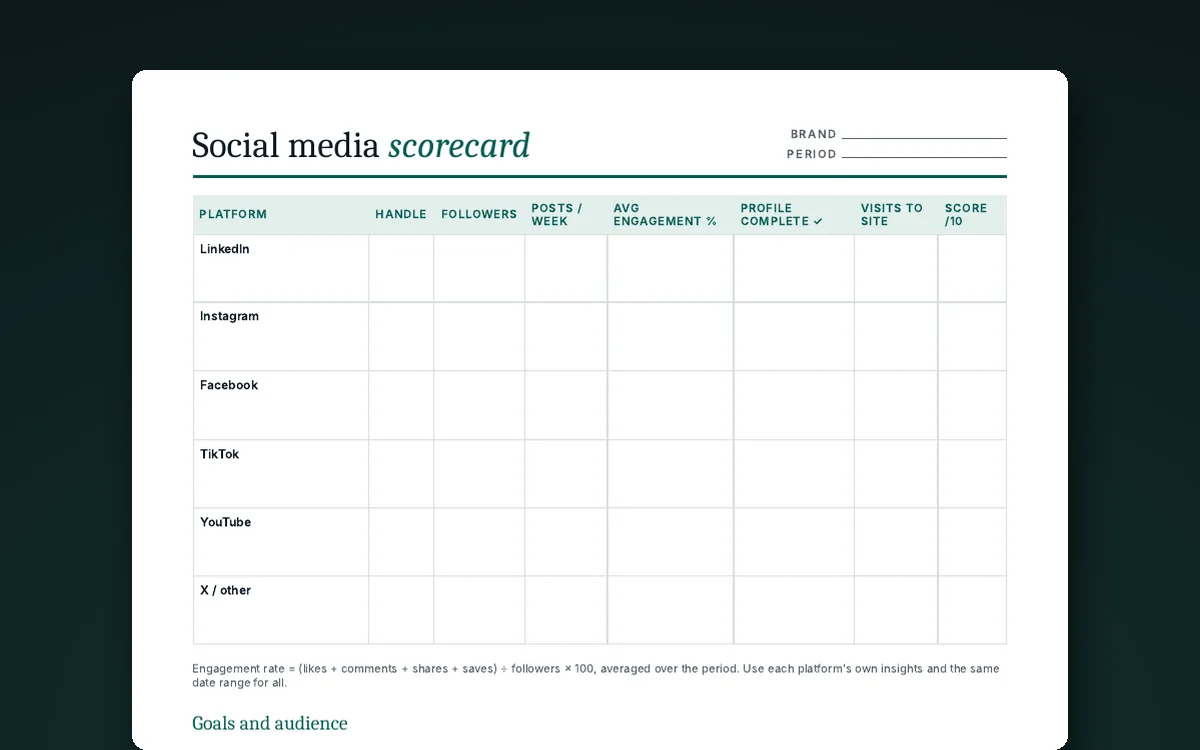
Social media audit template
Score every channel, review your best and weakest posts, check your content mix and build a 90-day plan. The Excel version calculates engagement rate for you.
Get the template →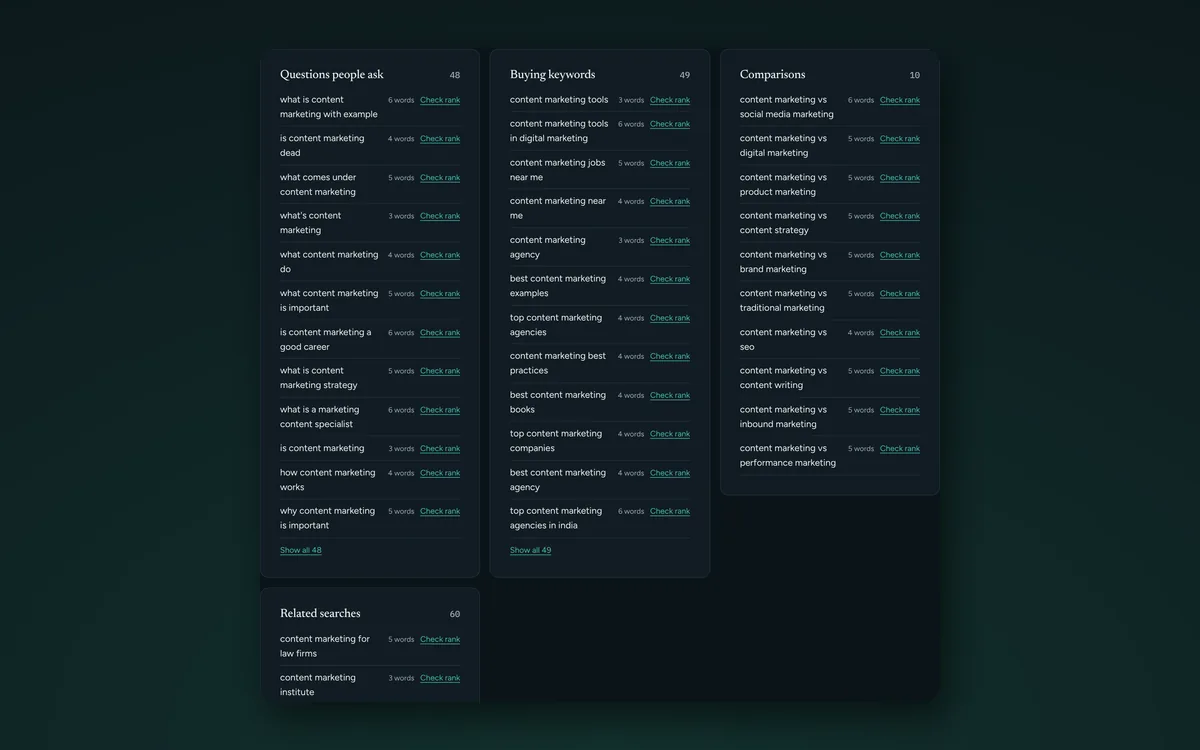
Keyword idea generator
Enter a topic to get hundreds of keyword ideas from Google's own suggestions: questions, buying keywords and comparisons, by country. Export to Excel.
Find keyword ideas →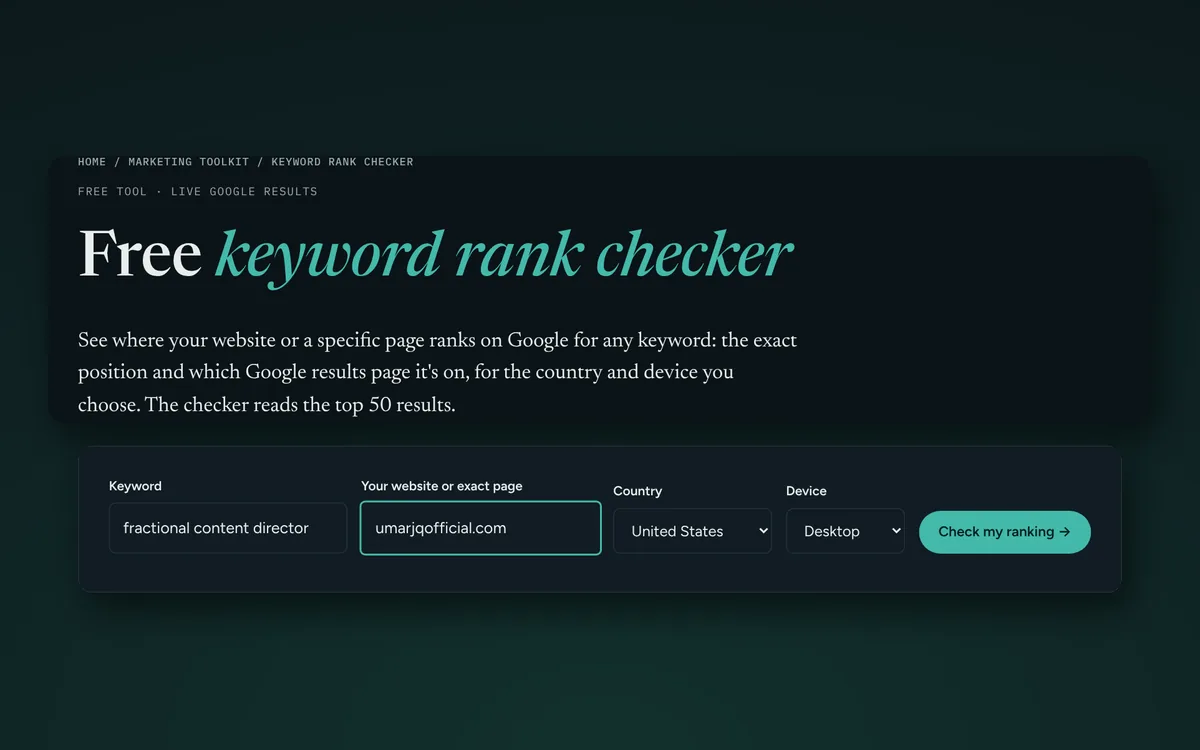
Keyword rank checker
See the Google position and results page number of your website or a specific page for any keyword, by country and device.
Check a ranking →Website audit questions
How do I check my website's SEO score for free?
Type your website address into the free website audit tool on this page. In about a minute you get an SEO score out of 70 across seven areas, a list of SEO errors and speed issues, and the fixes in priority order. It's free to use during the current free trial period, with no sign-up and no download needed.
Is this a free website SEO checker or a full website audit?
Both. It works as a free website SEO checker (titles, meta descriptions, headings, indexing, canonical tags, structured data) and goes further into speed, mobile, content, trust, conversion and AI search readiness, which is what a full website audit covers.
What is a website audit report?
A website audit report lists what was checked, the score for each area, every problem found and what to fix first. This tool shows that report on screen, and the free Excel and PDF website audit templates let you keep it, share it with a client or developer and track fixes.
Can AI audit my website?
Yes. This website audit tool uses automated checks plus AI to read your page like a search engine and an AI assistant would, so it also flags whether ChatGPT, Gemini and Google's AI answers can understand and quote your site.
Is this website audit tool free?
Yes. The live audit is free to use during the current free trial period, and the Excel and PDF templates only need your email for the download link. If you want a personal review of your results, you can ask for one on the page, also free.
How do I check my website's SEO and speed?
Enter your website address in the audit tool above. It checks your SEO (titles, headings, indexing, canonical tags, structured data and more) and runs Google's PageSpeed mobile test, then gives you a score out of 70 with the fixes in priority order.
How do I check my website for SEO errors?
Run the audit and open each area of the report. Every failed check is listed with what is wrong and what to change, for example a missing meta description, no canonical tag, invalid structured data or a page that blocks Google.
What does the live audit check?
It loads your page the way a search engine does and runs 40 checks across speed and mobile, technical SEO, on-page SEO, content, trust, conversion and AI search readiness, then scores each area out of 10.
What should a website audit include?
A useful website audit checks seven areas: speed and mobile experience, technical SEO, on-page SEO and keywords, content quality, trust and proof, conversion paths, and readiness for AI search. Score each one, then fix the problems with the biggest impact first.
How often should I audit my website?
Run a full audit once a quarter and a quick check after any redesign, theme change or big content update. Search Console and Analytics show problems between audits.
Which free tools help with a website audit?
Google PageSpeed Insights for speed, Google Search Console for indexing and keywords, Google Analytics for traffic and conversions, and the Rich Results Test for structured data are all free.
One practical tactic every week
The Attention Brief: AI-powered content, B2B pipeline and PR tactics you can use the same day. Five minutes to read.